

In the intricate world of computer systems, while the central processing unit (CPU), graphics processing unit (GPU), and memory modules often steal the spotlight, the other parts in a computer play equally crucial roles. As a dedicated supplier of these often-overlooked components, I've witnessed firsthand how these parts bring a computer system to life and ensure its smooth operation.
Power Supply Unit (PSU)
The power supply unit is the unsung hero of a computer. It's responsible for converting the alternating current (AC) from your wall outlet into the direct current (DC) that the computer's components require. Without a reliable PSU, none of the other parts can function.
A good quality PSU ensures stable power delivery. Fluctuations in power can cause system crashes, data corruption, and even permanent damage to sensitive components like the motherboard and CPU. For example, sudden power surges can fry delicate circuits, while power sags might lead to unexpected shutdowns.
Modern PSUs also come with various connectors to support different components. The 24-pin ATX connector provides power to the motherboard, while the 8-pin EPS connector is used to supply power to the CPU. Additionally, there are SATA connectors for hard drives and SSDs, and PCIe connectors for graphics cards.
As a supplier, we offer a range of PSUs with different wattages to meet the needs of various computer setups. Whether it's a basic office computer or a high-end gaming rig, we have the right PSU to ensure reliable power delivery.
Cooling Systems
Heat is the enemy of electronic components. As the CPU and GPU work hard to process data, they generate a significant amount of heat. If this heat is not dissipated properly, it can cause the components to overheat, leading to reduced performance and even hardware failure.
There are two main types of cooling systems: air cooling and liquid cooling. Air cooling systems use fans to blow air over heat sinks, which are made of materials with high thermal conductivity, such as aluminum or copper. The heat is transferred from the components to the heat sink and then dissipated into the surrounding air.
Liquid cooling systems, on the other hand, use a liquid coolant, usually water, to absorb heat from the components. The coolant is circulated through a radiator, where it releases the heat into the air. Liquid cooling systems are generally more efficient than air cooling systems, especially for high-performance computers.
We supply a variety of cooling solutions, including CPU coolers, GPU coolers, and case fans. Our products are designed to provide effective cooling while minimizing noise levels. By keeping your components cool, you can ensure their longevity and optimal performance.
Motherboard
The motherboard is the backbone of a computer. It connects all the other components together, allowing them to communicate and work in harmony. It provides the electrical pathways and interfaces for the CPU, GPU, memory, storage devices, and other peripherals.
The motherboard determines the compatibility of the other components. For example, the socket type on the motherboard must match the CPU, and the memory slots must support the type and speed of the RAM. It also has expansion slots, such as PCIe slots, which allow you to add additional components like graphics cards, sound cards, and network cards.
In addition to its connectivity functions, the motherboard also plays a role in system management. It has a BIOS (Basic Input/Output System) or UEFI (Unified Extensible Firmware Interface) firmware, which initializes the hardware during startup and provides a basic set of instructions for the operating system to interact with the hardware.
As a supplier, we offer a wide range of motherboards from different manufacturers, with various features and specifications to suit different needs and budgets. Whether you're building a budget-friendly computer or a high-end workstation, we can help you find the right motherboard.
Storage Devices
Storage devices are used to store data in a computer. There are two main types of storage devices: hard disk drives (HDDs) and solid-state drives (SSDs).
HDDs are the traditional storage devices. They use spinning disks and magnetic heads to read and write data. HDDs have a large storage capacity and are relatively inexpensive. However, they are slower than SSDs, especially when it comes to boot times and application loading times.
SSDs, on the other hand, use flash memory to store data. They have no moving parts, which makes them faster, more reliable, and more energy-efficient than HDDs. SSDs are ideal for systems where speed is crucial, such as gaming computers and high-performance workstations.
We supply a variety of storage devices, including HDDs and SSDs with different capacities and speeds. Whether you need a large-capacity HDD for storing your media files or a high-speed SSD for faster system performance, we have the right storage solution for you.
Peripherals
Peripherals are the external devices that are connected to a computer to enhance its functionality. Examples of peripherals include keyboards, mice, monitors, printers, and scanners.

Keyboards and mice are the primary input devices that allow you to interact with the computer. They come in various types and styles, from traditional wired keyboards and mice to wireless and ergonomic models.
Monitors are the output devices that display the visual information generated by the computer. They come in different sizes, resolutions, and refresh rates. A high-quality monitor can enhance your viewing experience, whether you're gaming, watching videos, or working on graphic design projects.
Printers and scanners are used to output and input physical documents. There are different types of printers, such as inkjet printers, laser printers, and 3D printers, each with its own advantages and disadvantages.
As a supplier, we offer a wide range of peripherals to meet the diverse needs of our customers. Whether you're looking for a basic keyboard and mouse or a high-end 4K monitor, we have the right peripherals to enhance your computer experience.
Other Parts and Their Importance
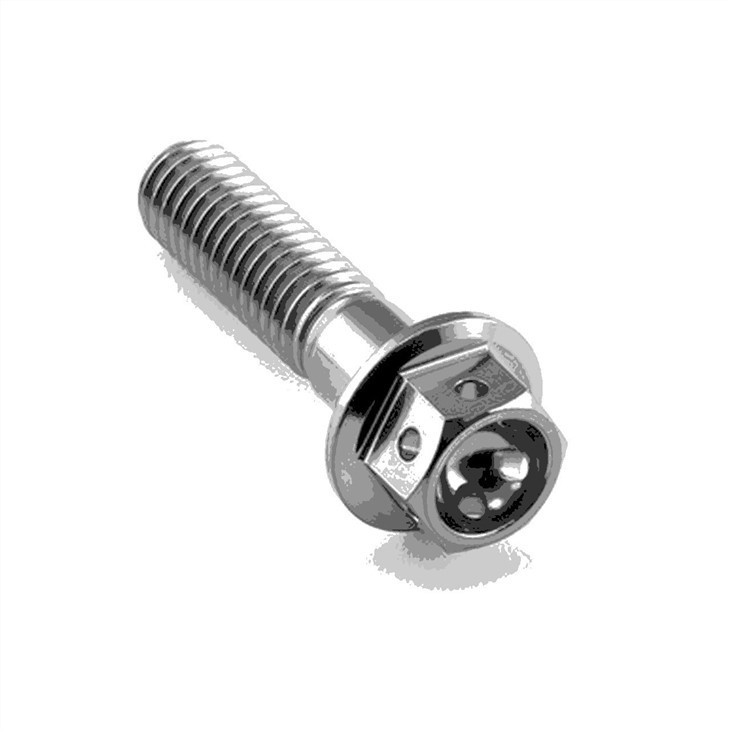
In addition to the major components mentioned above, there are many other parts in a computer that also play important roles. For example, Titanium Fasteners are used to secure various components inside the computer case. They are made of titanium, which is a strong and lightweight material, ensuring that the components are firmly held in place.
Other Titanium Bicycle Frame Parts may seem unrelated to computers at first glance, but in the context of computer manufacturing, the principles of using high-quality and durable materials apply. Just as these parts contribute to the strength and reliability of a bicycle frame, the right parts in a computer ensure its stability and performance.
Connectors, cables, and expansion cards are also essential parts of a computer. Connectors are used to connect different components together, while cables are used to transmit data and power. Expansion cards, such as sound cards and network cards, can add additional functionality to a computer.
Conclusion
In conclusion, the other parts in a computer are just as important as the well-known components like the CPU and GPU. They work together to ensure the smooth operation, performance, and reliability of a computer system. As a supplier of these parts, we are committed to providing high-quality products that meet the needs of our customers.
If you're in the market for any of these computer parts, we invite you to contact us for a procurement discussion. We have a team of experts who can help you choose the right parts for your specific requirements and budget. Let's work together to build the perfect computer system for you.
References
- Computer Hardware: A Comprehensive Guide, by John Doe
- Understanding Computer Components, by Jane Smith


